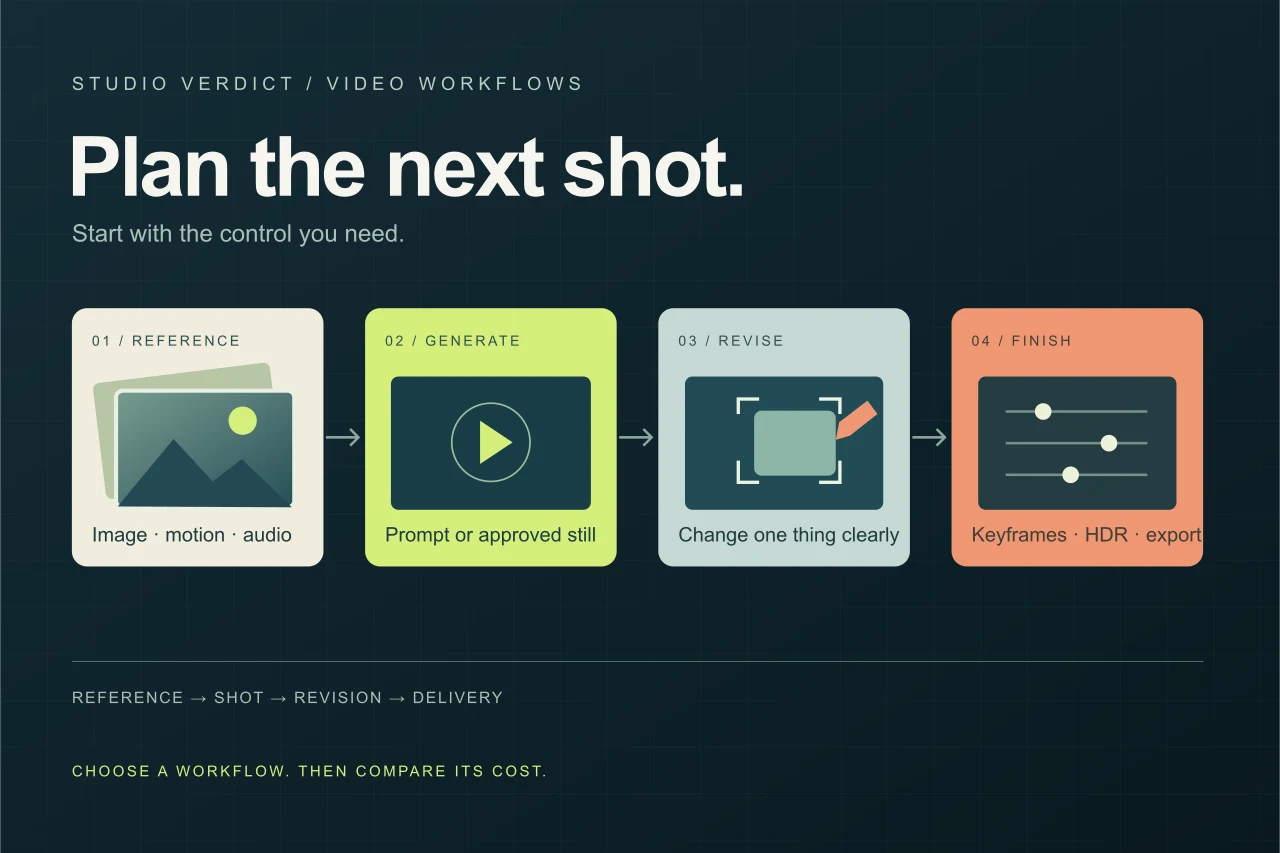
Which AI Video Tool Fits Your Next Shot?
A practical shortlist for product clips, reference-driven scenes, editing, and controlled production. Compare five workflows, their documented controls and API price checkpoints.
Read the guide ↗AI tools for independent creators
and small teams. Make publishable
images, video, and writing.
A practical shortlist for product clips, reference-driven scenes, editing, and controlled production. Compare five workflows, their documented controls and API price checkpoints.
Read the field guide ↗CREATIVE WORKFLOW GUIDEA practical shortlist for product clips, reference-driven scenes, editing, and controlled production. Compare five workflows, their documented controls and API price checkpoints.
Read the guide ↗
The right anime generator depends on what you want to make. A new Discord avatar calls for a different workflow from a multi-character illustration or a custom LoRA project. These five tools offer different starting points, from task-focused templates to detailed character controls and model marketplaces.
Read the guide ↗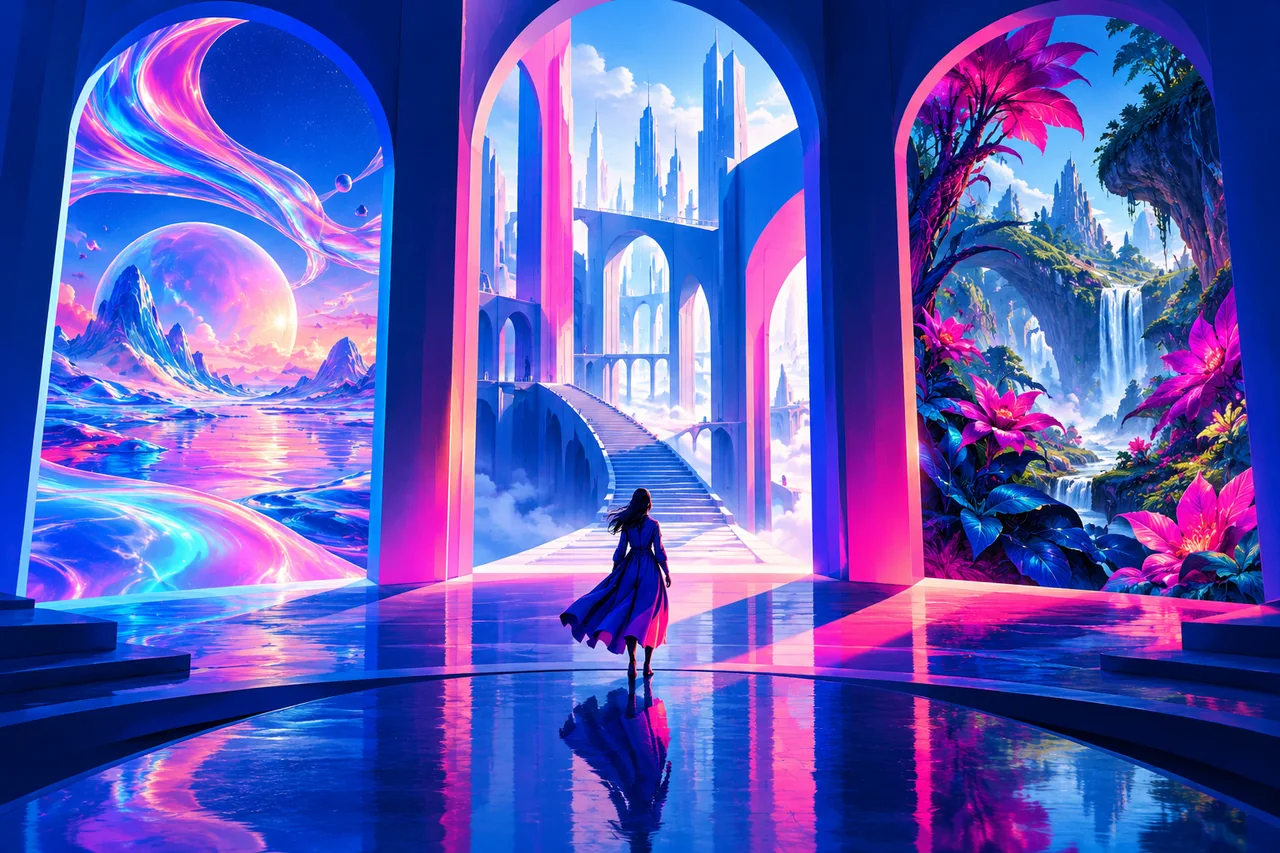
Choose by the work you need to finish: visual exploration, editable vectors, image editing, reference-heavy generation, or a production API. Eight options, with their practical trade-offs.
Read the guide ↗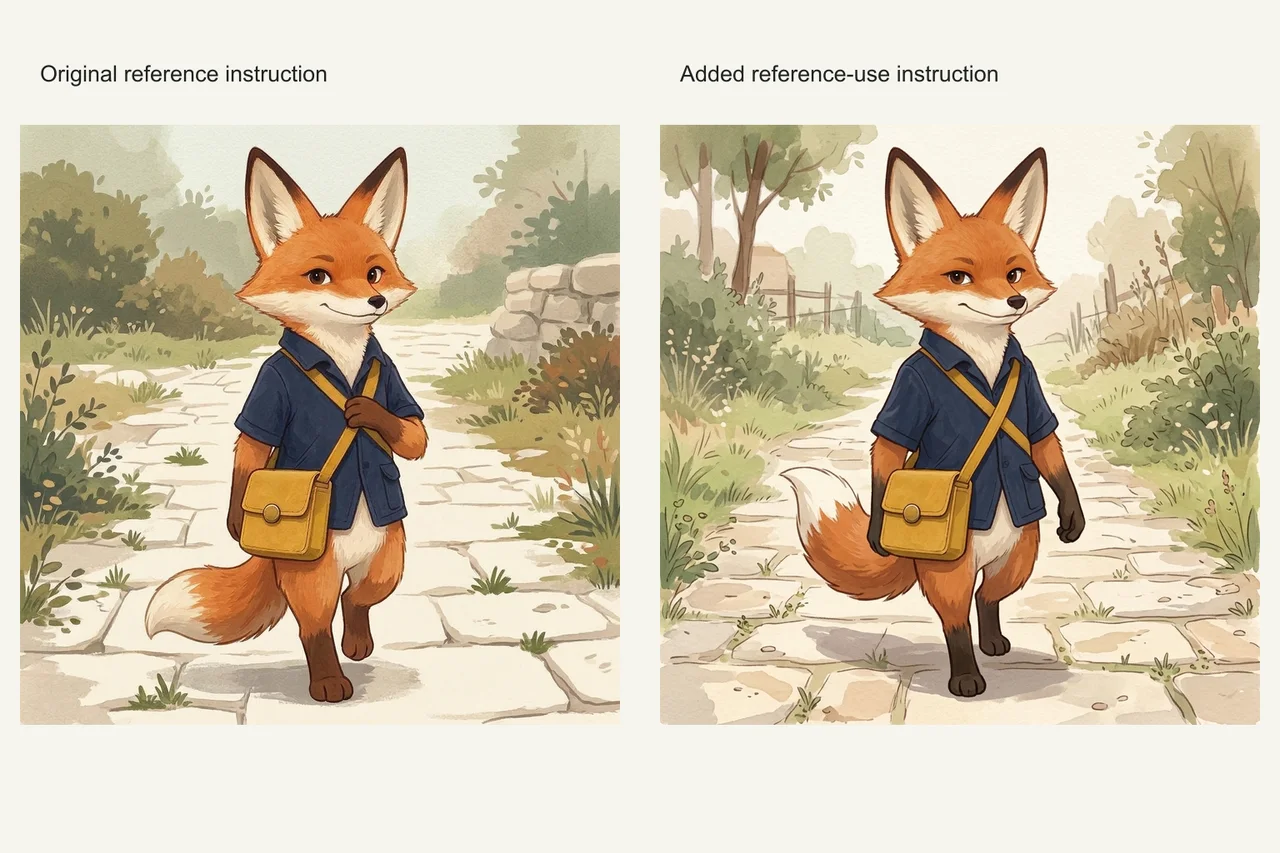
11 fresh Nano Banana 2.1 outputs and 133 human judgments compare reference instructions: strict front view 0/3 vs 0/2, stream layout 3/3 vs 3/3, with all originals and exact prompts.
Read the guide ↗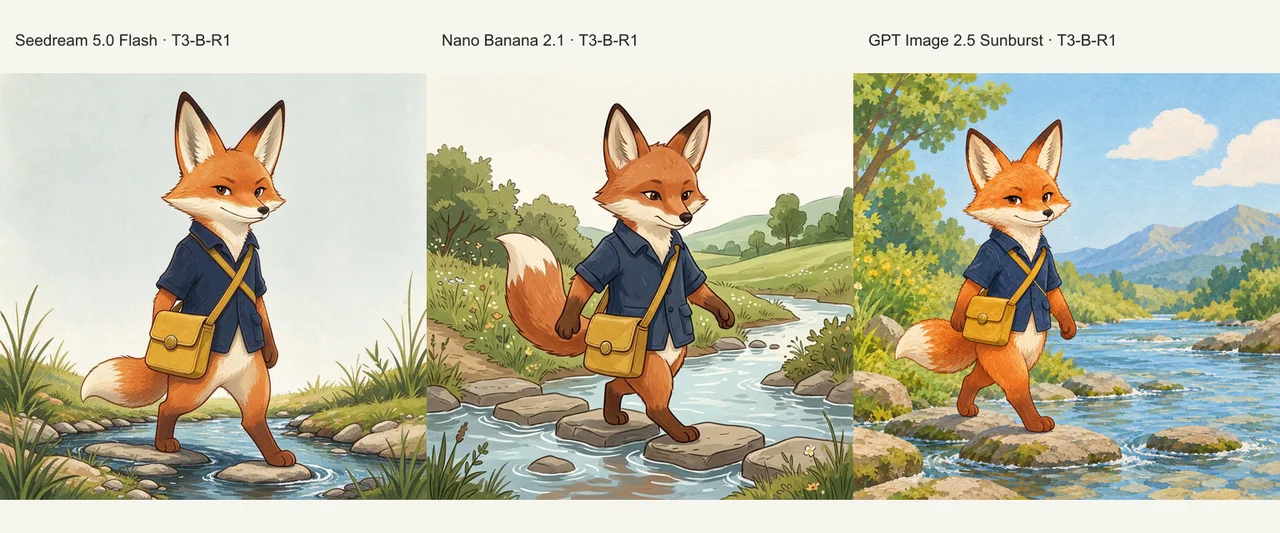
48 actual outputs compare Seedream 5.0 Flash, Nano Banana 2.1 and GPT Image 2.5 Sunburst, with text-only and reference-image conditions across four scenes.
Read the guide ↗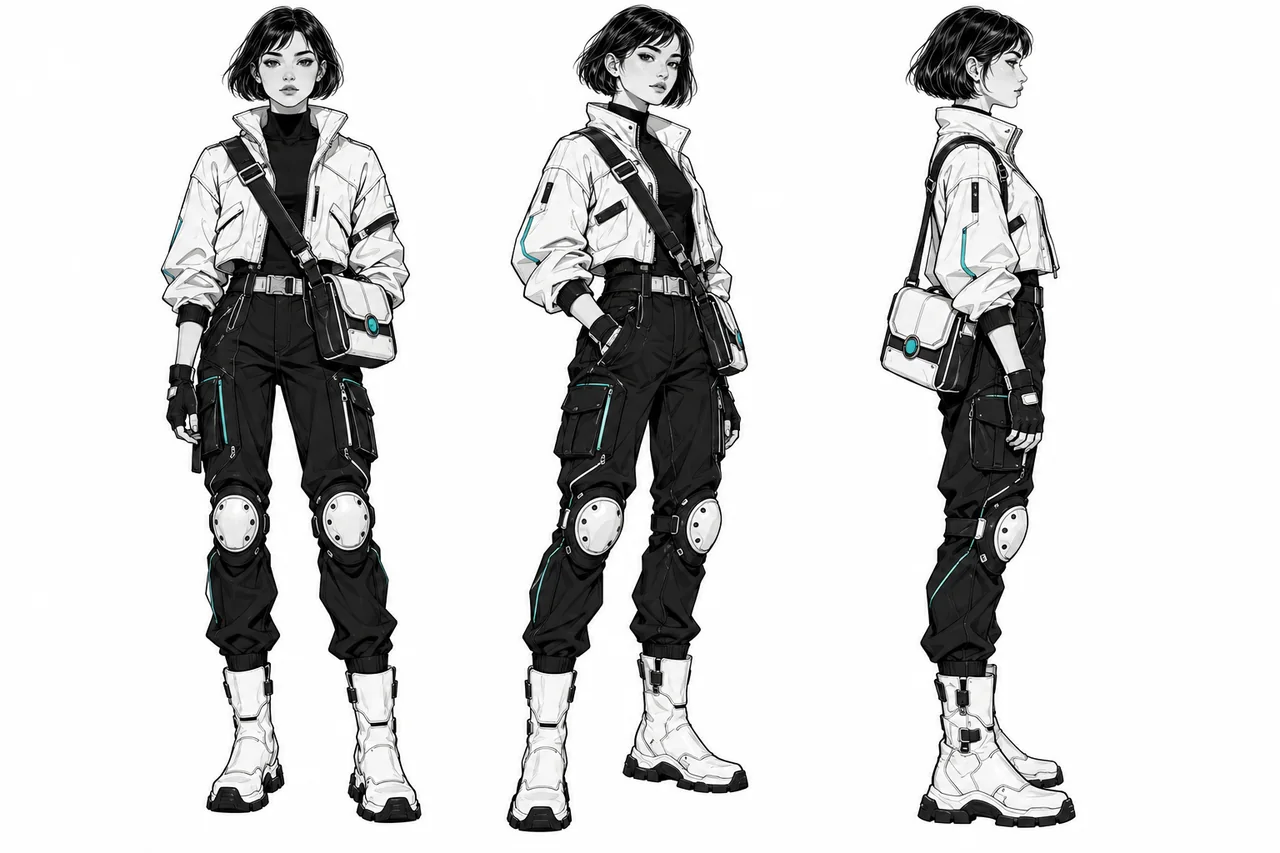
Use Midjourney, Gemini, FLUX, or GPT Image to carry one character through a story, campaign, or storyboard, with a practical reference kit and reusable prompts.
Read the guide ↗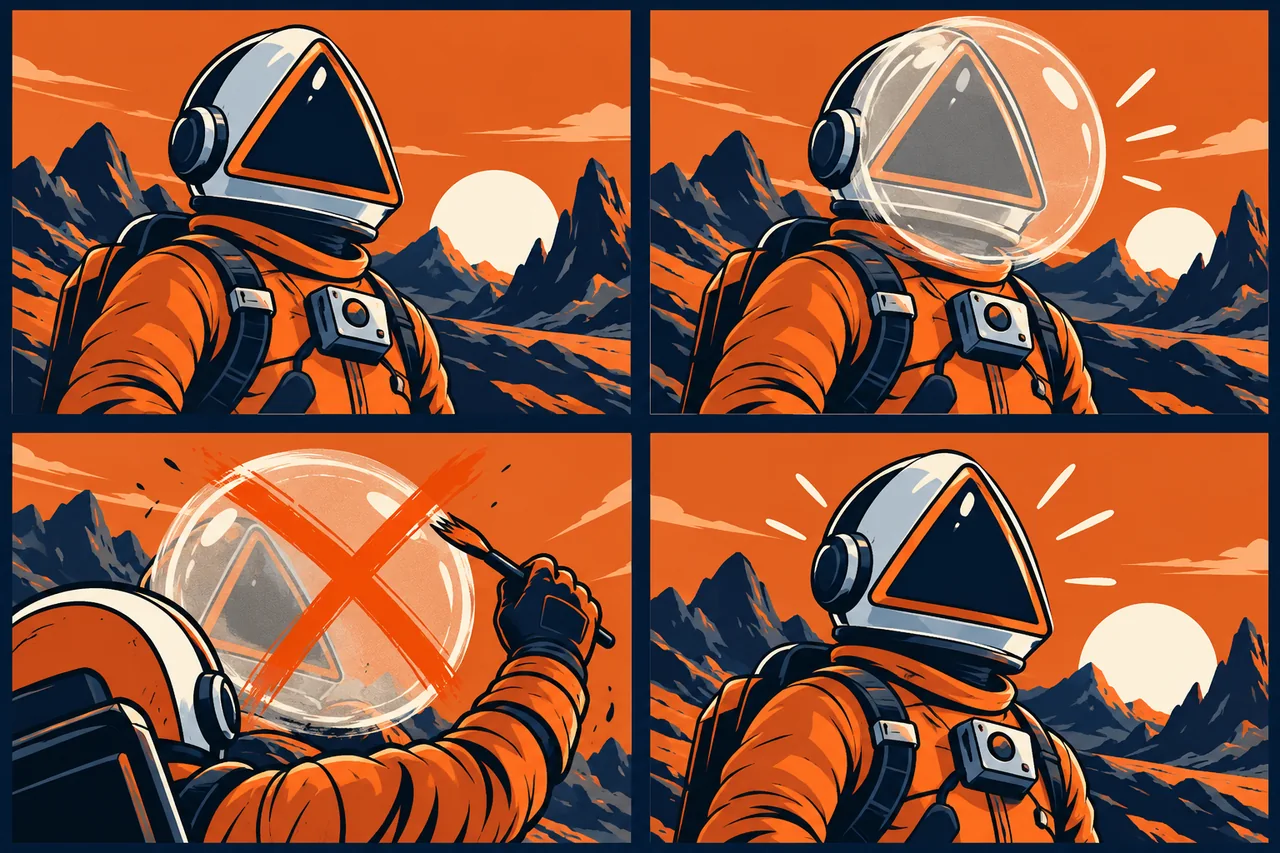
Diagnose a changed face, swapped costume, or missing accessory, then repair only what broke. Practical reference and editing fixes for Midjourney and Runway.
Read the guide ↗
Create posters, packaging concepts, and social graphics with clear lettering. Compare useful text workflows in Ideogram, GPT Image, Gemini, and Midjourney.
Read the guide ↗
Turn a product shot, portrait, or landscape into a deliberate short clip. Choose a mode, prepare the first frame, direct the movement, and finish the edit.
Read the guide ↗
Use native audio for short scenes with dialogue, ambience, and synchronized effects. A practical guide to Kling 4.0, Gemini Omni Flash, and writing an audible brief.
Read the guide ↗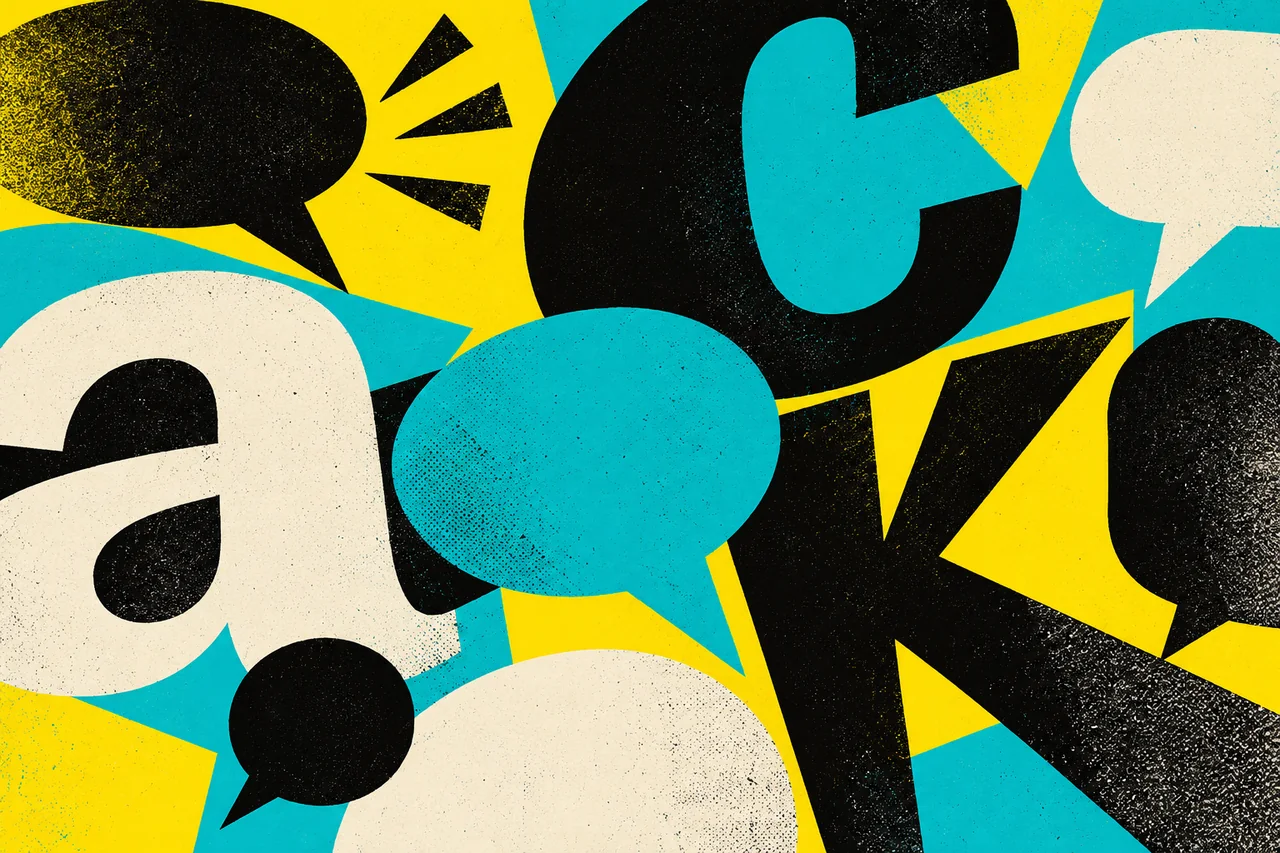
Use Jasper Brand Voice, reusable project context and a focused editing process to create campaign copy that sounds coherent across channels.
Read the guide ↗
Diagnose generic phrasing, recover your brand’s rhythm and edit one passage at a time while protecting prices, product details and qualified claims.
Read the guide ↗
A practical workflow for source packs, outlines, section drafts and whole-document editing, with prompts for ChatGPT, Claude and Jasper.
Read the guide ↗
Choose between direct vector generation, raster-to-vector conversion, and a raster deliverable. Learn which Recraft models return SVG and what to inspect before handoff.
Read the guide ↗
Compare deployment responsibility, model licenses, data handling, reproducibility, and total operating cost before choosing self-hosted image inference or a hosted API.
Read the guide ↗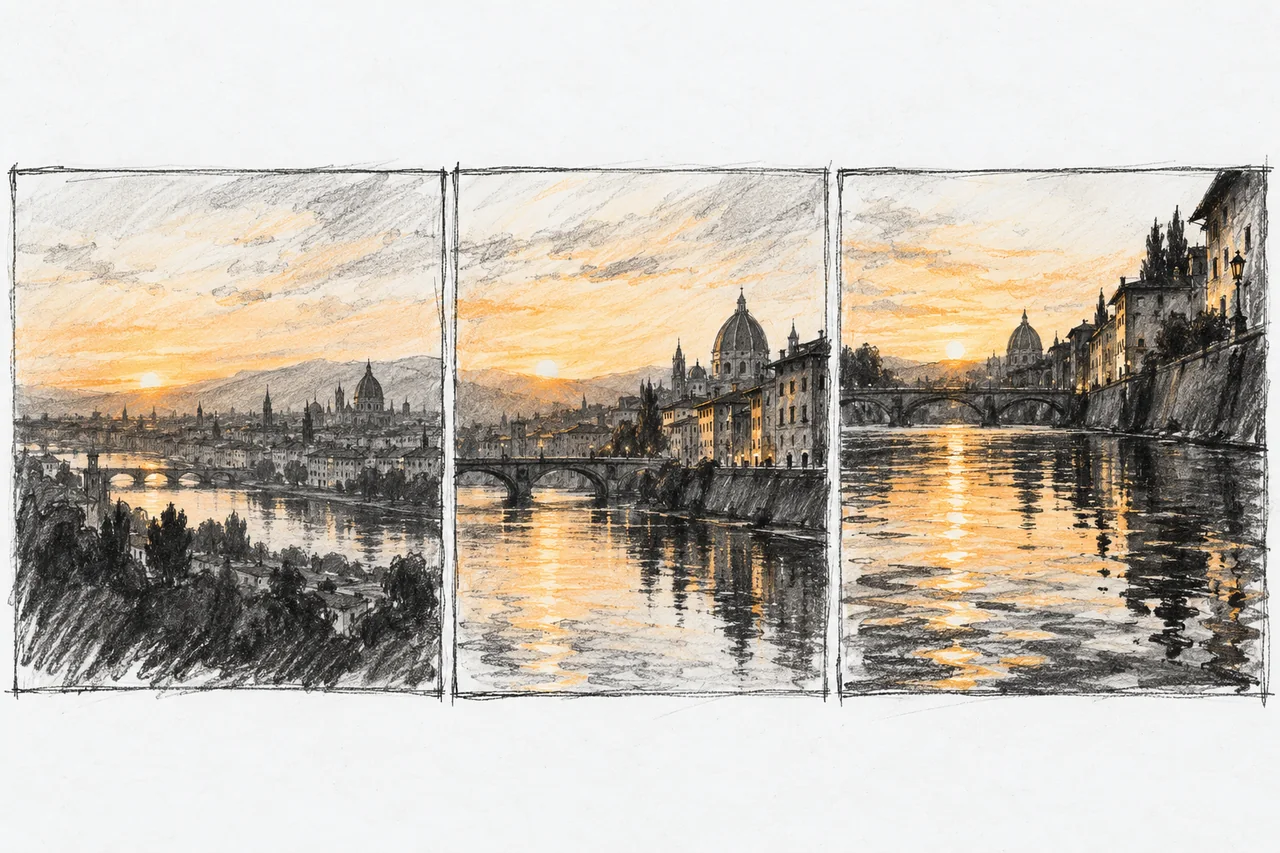
Use an approved image when appearance is already decided; use text when the scene is still open. A practical guide to anchors, keyframes, motion prompts, and output checks.
Read the guide ↗
Compare the cost of a usable deliverable, including rejected takes, duration tiers, finishing, subscriptions, and endpoint changes. A budgeting framework without a misleading cheapest-model ranking.
Read the guide ↗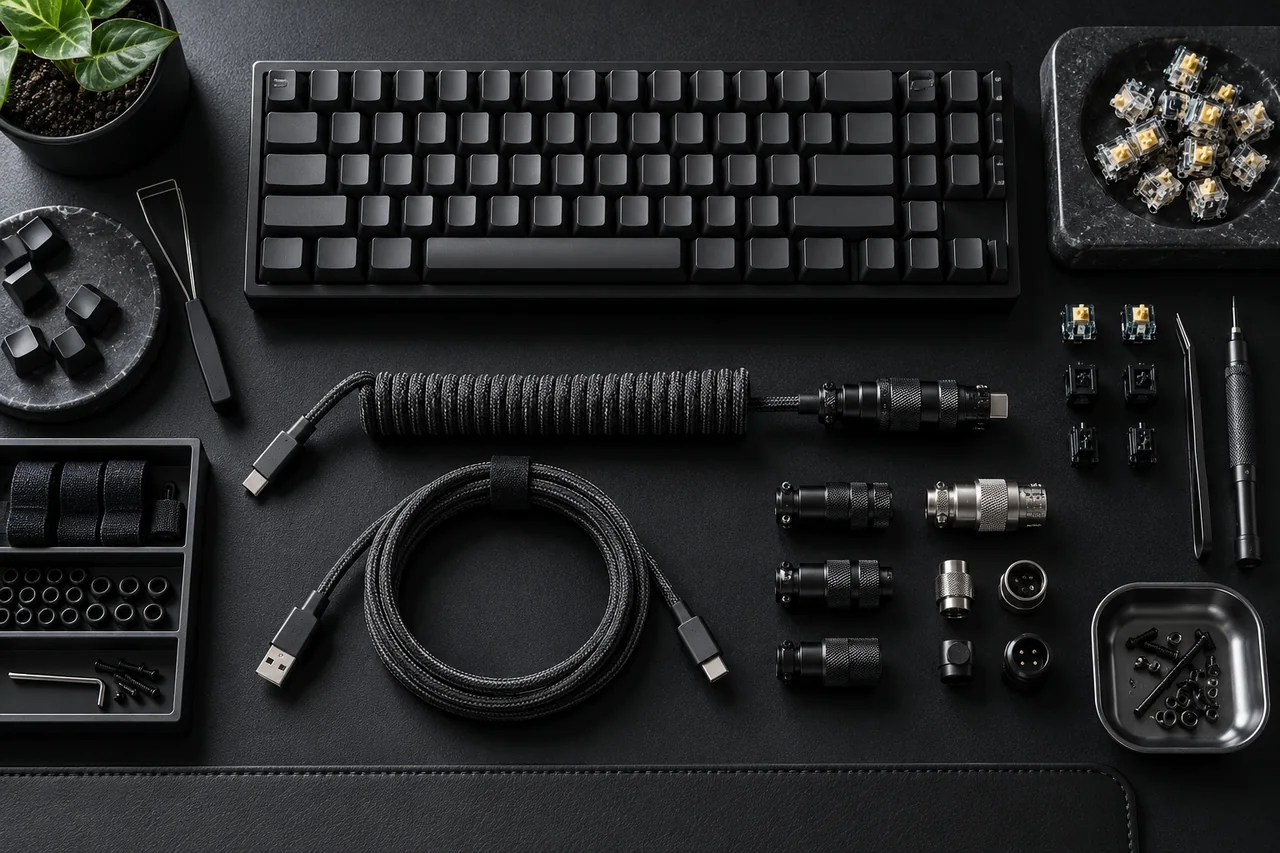
Choose between in-place editing, a marketing workspace, conversational drafting and a custom writing pipeline. Compare the work each route includes, not just the model name.
Read the guide ↗
A practical pre-upload checklist for ChatGPT, Claude, Gemini API, Grammarly, Jasper and DeepSeek, separating training choices, retention, account scope and downstream services.
Read the guide ↗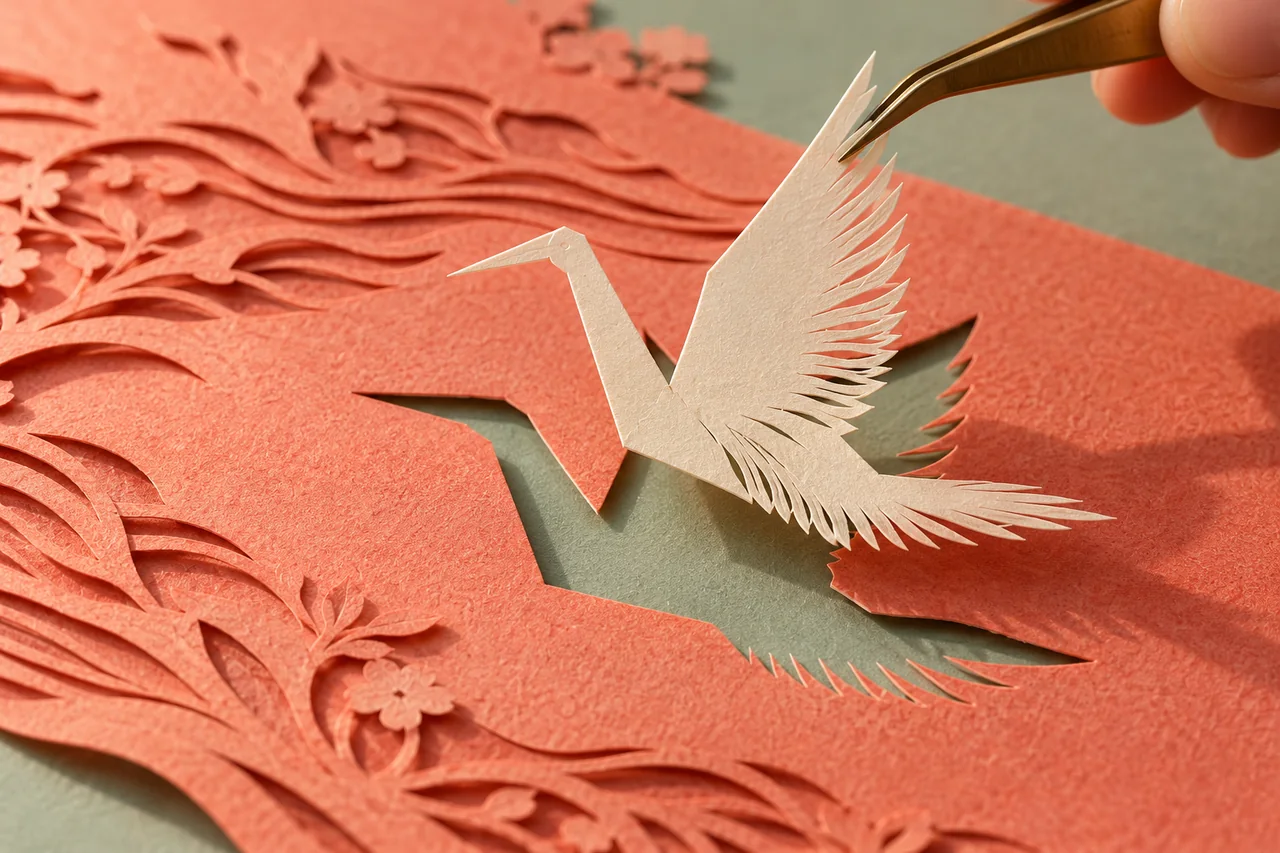
Compare the documented limits of Adobe Firefly, remove.bg and Photoroom, then check your character cutout before exporting a transparent PNG.
Read the guide ↗From an idea to a finished asset: understand what a tool does, where it fits, how to use it, and what the complete workflow costs. Our guides focus on images, video, and writing.
How we approach our guides ↗