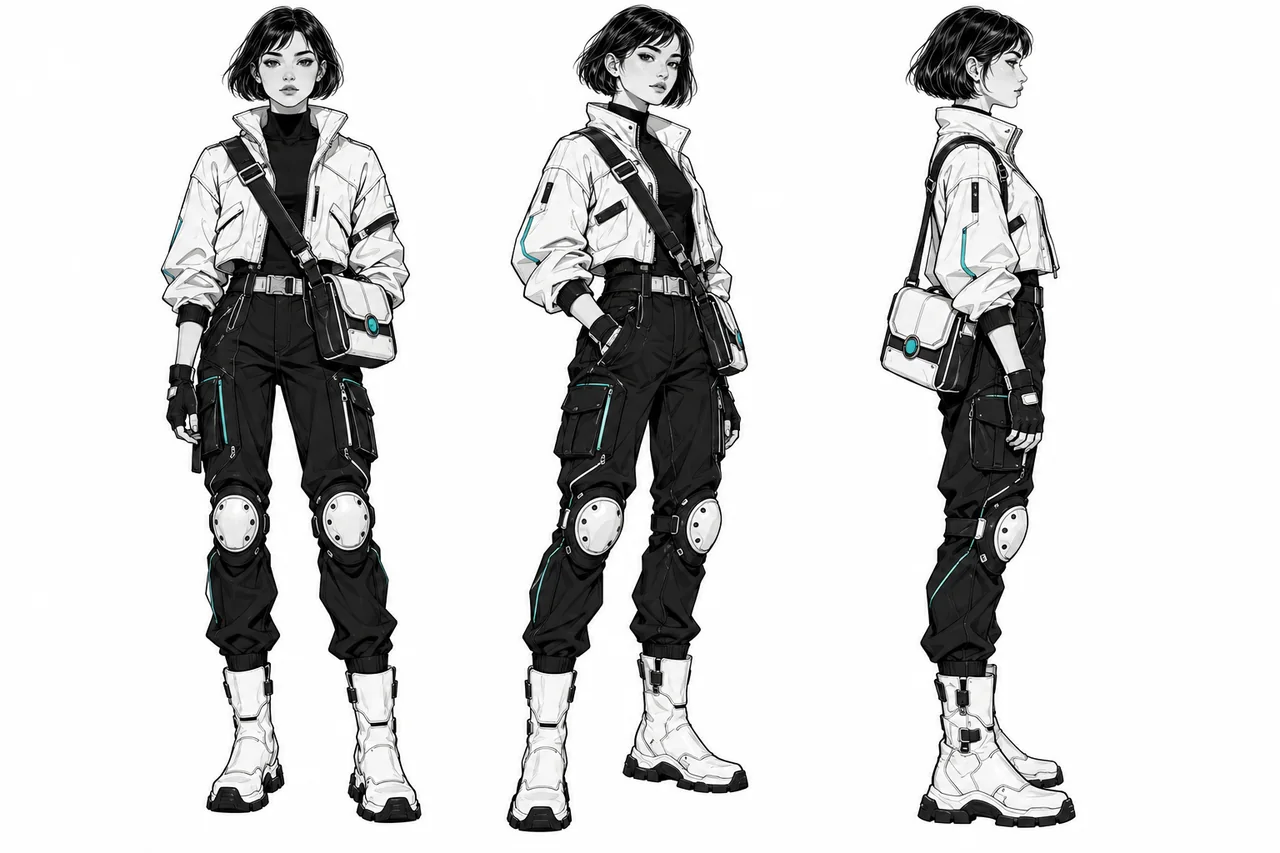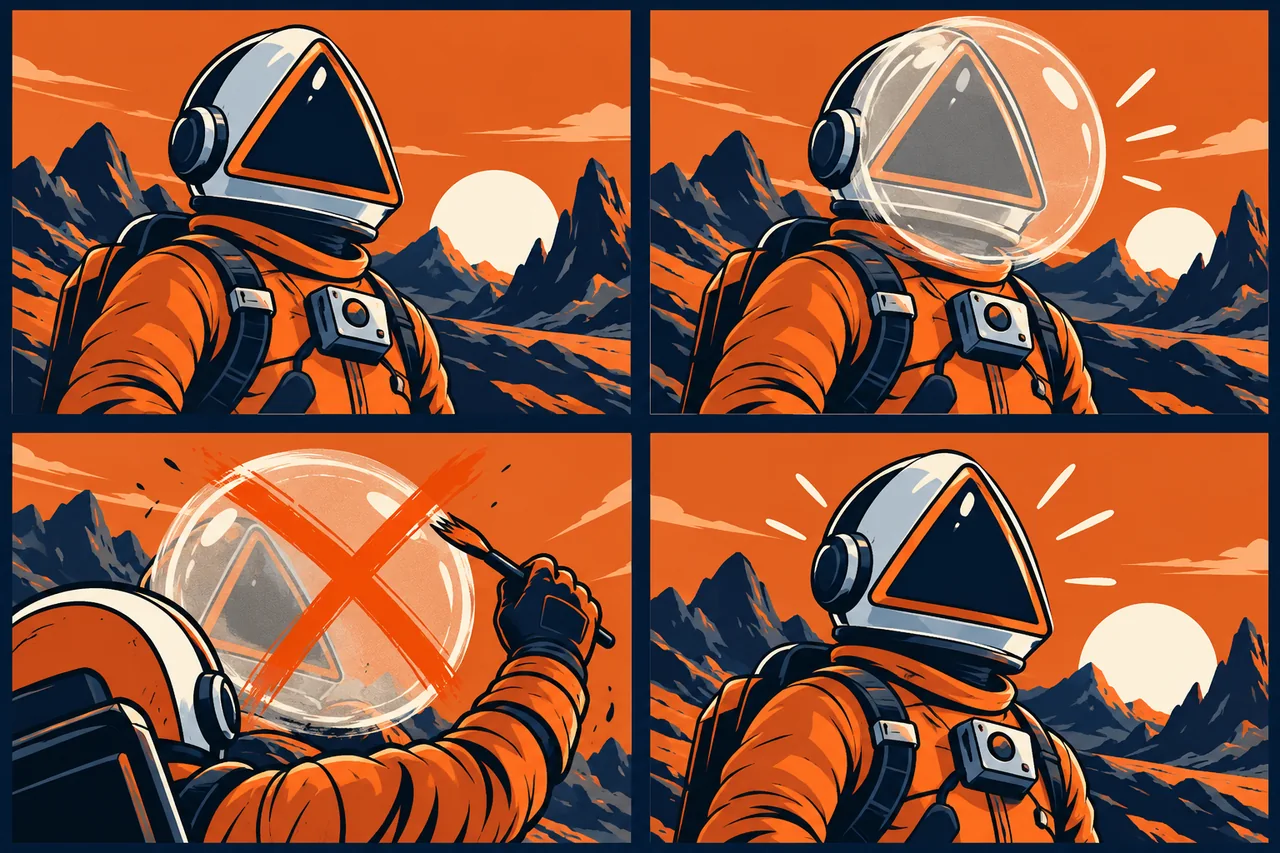
Diagnose the drift first: repair isolated details locally, add a missing angle for viewpoint changes, and reset to the approved master when identity has shifted.
Keep the scene that already works
A good composition does not need to be discarded because the character has the wrong ears or a different jacket. First identify whether the problem is a single detail, a changed identity, or a mismatch between neighboring shots. The smallest repair that restores continuity usually protects more of your approved work.
This guide starts with a broken result. If you have not approved a master character yet, begin with our reference-building workflow. The prompts below are examples to adapt to your own images.
1. The face changes when the camera turns
Symptom: front-facing shots match, but the profile has a different nose, muzzle, or jaw. Return to the approved master and create a clean side-view reference before rebuilding the scene. Approve that angle against the original rather than accepting it automatically.
Runway recommends character plates showing different angles because a single viewpoint leaves unseen features open to interpretation. Use the plate closest to the failing shot.
Example: Show this fox courier in a neutral left profile. Keep the short muzzle, oversized triangular ears, and compact body from the master. Use even lighting and a plain background. Keep the navy jacket unchanged.
2. The identity is right, but one detail is wrong
Symptom: the face and pose work, but a round clasp becomes a buckle. Repair the accessory instead of regenerating the entire scene. In Midjourney V8.1/V8.2, Open Editor supports targeted inpainting; isolate the affected area where practical.
Example: Replace only the bag closure with one round brass clasp matching the reference. Preserve the mustard-yellow bag, strap position, character, pose, background, and lighting.
Inspect the surrounding strap, fingers, and jacket afterward. A correct clasp is not a successful repair if the edit damages the hand holding it.
3. A new style overwhelms the character
Symptom: the illustration looks attractive, but the face or silhouette belongs to someone else. Temporarily simplify the style direction and compare again before adding more identity adjectives.
For Midjourney V7, Omni Reference uses one image; its weight defaults to 100, and Midjourney recommends staying below 400 unless stylization is very high. Stylize and reference strength compete for influence. Change one control at a time rather than maximizing both.
For V8.1/V8.2, use the Edit Model instead. Its Raw option reduces added creative flair. First recover the approved proportions, then reintroduce the desired texture.
4. The scene reference brings the wrong person along
Symptom: your character inherits the hair, face, or clothing of someone in the location image. Separate the jobs of the references. Runway supports up to three active Gen-4 Image References and named references in prompts. Its guide suggests covering an existing face in a scene reference before uploading to reduce subject confusion.
Example: Place @courier in the station shown in @station. Use @courier for identity and clothing. Use @station only for architecture, camera framing, and lighting.
If two intended characters exchange traits, try a single clearly arranged cast reference: Midjourney specifically suggests combining characters into one reference image when attributes become mixed.
5. Each revision gets further from the original
Symptom: every individual edit seems acceptable, but the final character no longer matches the opening shot. Stop using the latest altered result as the sole identity reference. Reattach the master and keep the current scene only as the composition reference. Request one correction, review it, and approve that version before continuing.
For a video sequence, compare the first, middle, and final frames of the affected shot with its neighbors. If the starting image already drifts, repair that still before generating motion again. A matching first frame alone does not establish continuity throughout a clip.
Approve the repair as part of the sequence
Place the repaired image beside the master and adjacent shots at the intended viewing size. Check silhouette, face, costume, signature accessory, and color relationships. Save the accepted revision separately with its references and model version. Keep the original scene available so an unsuccessful correction never becomes your only starting point.
Before you choose a tool
- Define the output you need before comparing plans.
- Save the inputs, settings, date, and rejected results.
- Check current provider terms and export restrictions.
- Include correction time in your comparison.
Sources
Official sources reviewed 2026-10-21.