Start with the image you need: AI Anime Generator for task-focused avatars and photo transformations, NovelAI for detailed character briefs, Niji for illustration, PixAI for LoRAs, and Mage for generation followed by editing.
Compare the workflows
| Tool | Best fit | Standout features | Main tradeoff |
|---|---|---|---|
| AI Anime Generator | Avatars, character concepts and photo transformations | Task-focused workflows; style and model selection | A character concept is not a consistent multi-angle sheet |
| NovelAI | Detailed character instructions | Tags, separate character prompts and placement controls | More prompting controls to learn |
| Niji / Midjourney | Anime-focused illustration | Image prompts and style references | References guide creation; exact reproduction is not guaranteed |
| PixAI | Model discovery and custom LoRAs | Community models, LoRAs and hosted training | Compatibility, trigger words and weights need attention |
| Mage | Generation followed by editing | Masked inpainting, prompt refinement and enhancement | Tool and model access varies by plan |
1. AI Anime Generator: for avatars and photo-to-anime projects
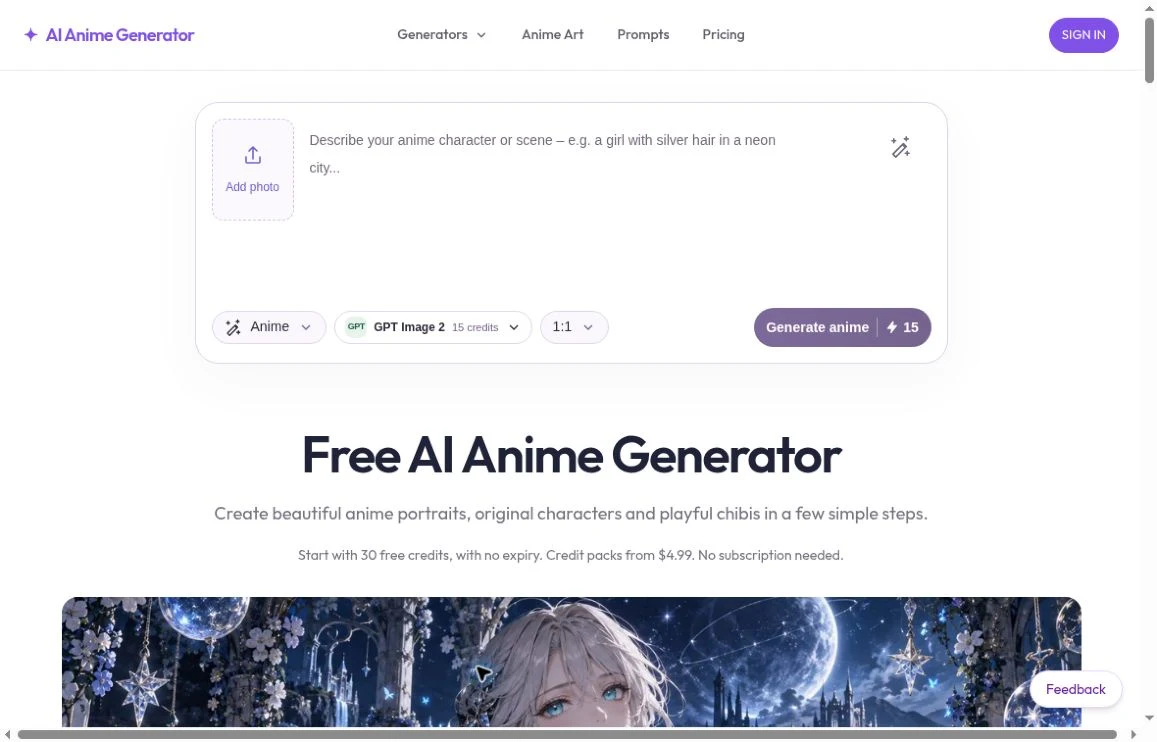
AI Anime Generator organizes creation around the image you need. Its avatar workflow starts with a square portrait; its character workflow focuses on a full-body concept; its photo converter starts from an uploaded image. That makes it worth considering when you have a specific task but do not want to begin by exploring a model marketplace.
You can adjust the prompt, choose a style and select an available model. The model comparison page also publishes the same avatar prompt across 12 models, with original outputs and displayed credit costs. Those single-attempt examples let you inspect differences before deciding where to spend credits.
New users receive 30 one-time credits after Google sign-in. Paid packs start at $4.99 for 500 credits, with no subscription required. Image counts vary by model.
Choose it for: an anime profile picture, an original-character concept or a photo transformation in a task-focused interface.
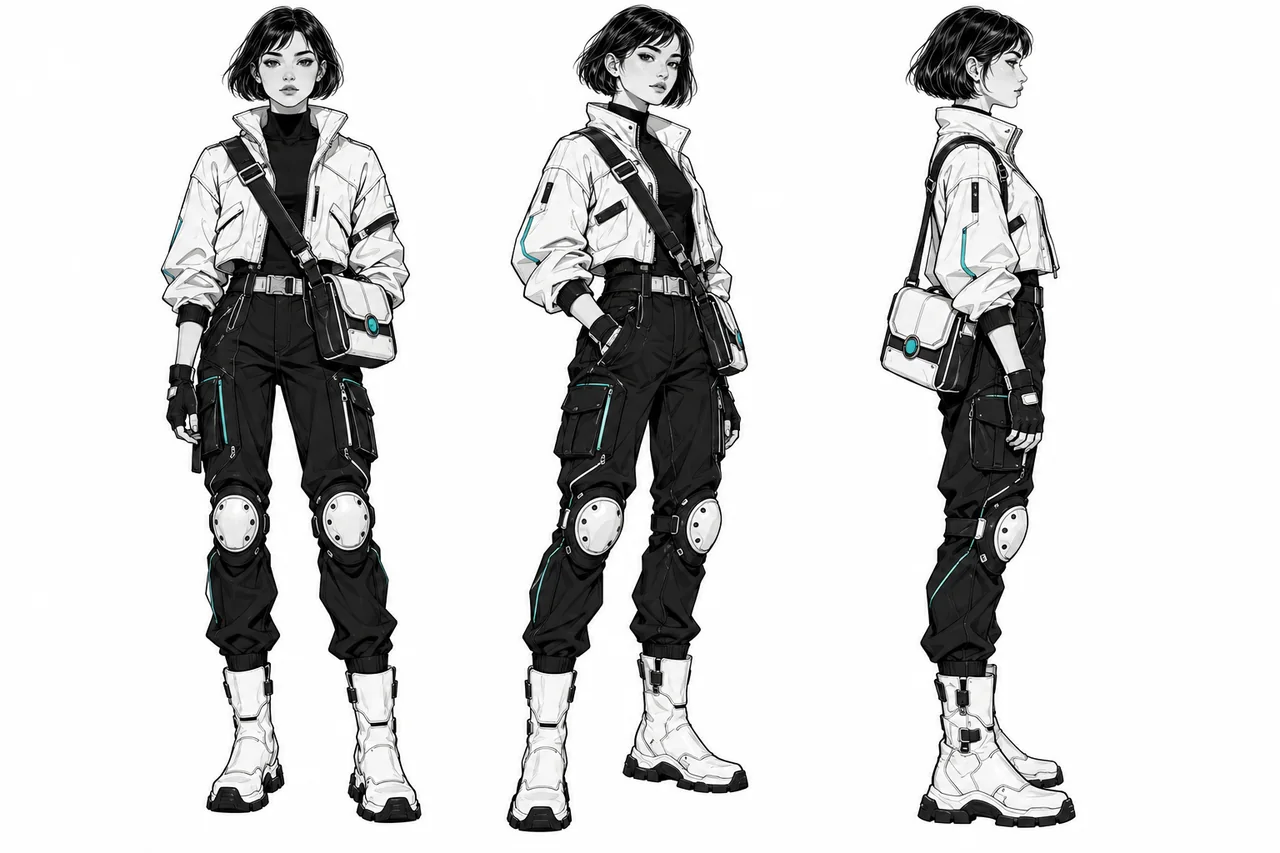
Tradeoff: exploring a single character concept is not the same as producing a consistent, multi-angle character sheet.
Sources: AI Anime Generator: creation workflows ↗ · AI Anime Generator: model comparison ↗ · AI Anime Generator: pricing ↗
2. NovelAI: for detailed character instructions
NovelAI offers tag suggestions and familiarity indicators, helping users specify character details more deliberately. Its multi-character prompting separates instructions for the overall scene from descriptions of individual characters, including placement controls.
Compared with a task-focused avatar workflow, the attraction is control over the brief. You can spend more time defining who appears, what they wear and how they fit into a scene. Natural-language prompting is supported too, so tags are an option rather than the only way to start.
Choose it for: scenes where detailed character descriptions and separate character prompts matter.
Tradeoff: taking advantage of those controls means learning more of the prompting workflow.
Sources: NovelAI: tags and knowledge indicators ↗ · NovelAI: multi-character prompting ↗
3. Niji / Midjourney: for anime-focused illustration
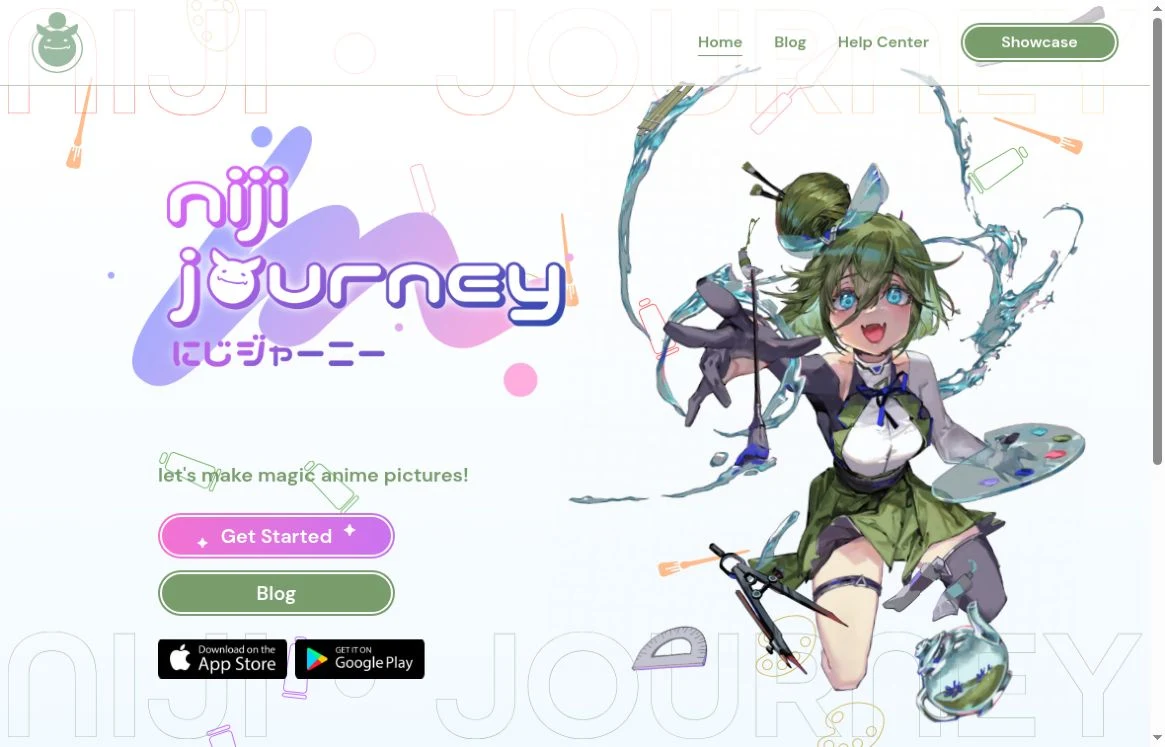
Niji is Midjourney's anime-focused model family, developed with Spellbrush. Niji 7 supports image prompts and style references, giving you several ways to establish a visual direction. Its official introduction emphasizes clean linework and a flatter aesthetic.
Niji is a relevant option when the illustration itself is the project: a character scene, a poster concept or a stylized composition. Rather than selecting a dedicated avatar or photo-conversion page, you shape the result through the prompt and references.
Choose it for: anime illustration with a deliberate visual style.
Tradeoff: references guide a new creation; they do not guarantee an exact reproduction. More literal prompt interpretation can also require clearer instructions.
Sources: Niji Journey: introducing Niji 7 ↗
4. PixAI: for model discovery and LoRA customization
PixAI's appeal is its community model ecosystem. You can explore artwork and generation settings, choose models and LoRAs, or train a custom LoRA without setting up local training software.
This suits creators who enjoy finding a particular look and tuning it. Compared with AI Anime Generator's task-specific starting points, PixAI gives model exploration a larger role in the creative process.
Choose it for: experimenting with community styles or developing a custom LoRA.
Tradeoff: models and LoRAs must be compatible, and trigger words and weights may need adjustment. More options are useful only if you want to work with them.
Sources: PixAI: Model Market ↗ · PixAI: LoRA basics ↗
5. Mage: for generating and then editing
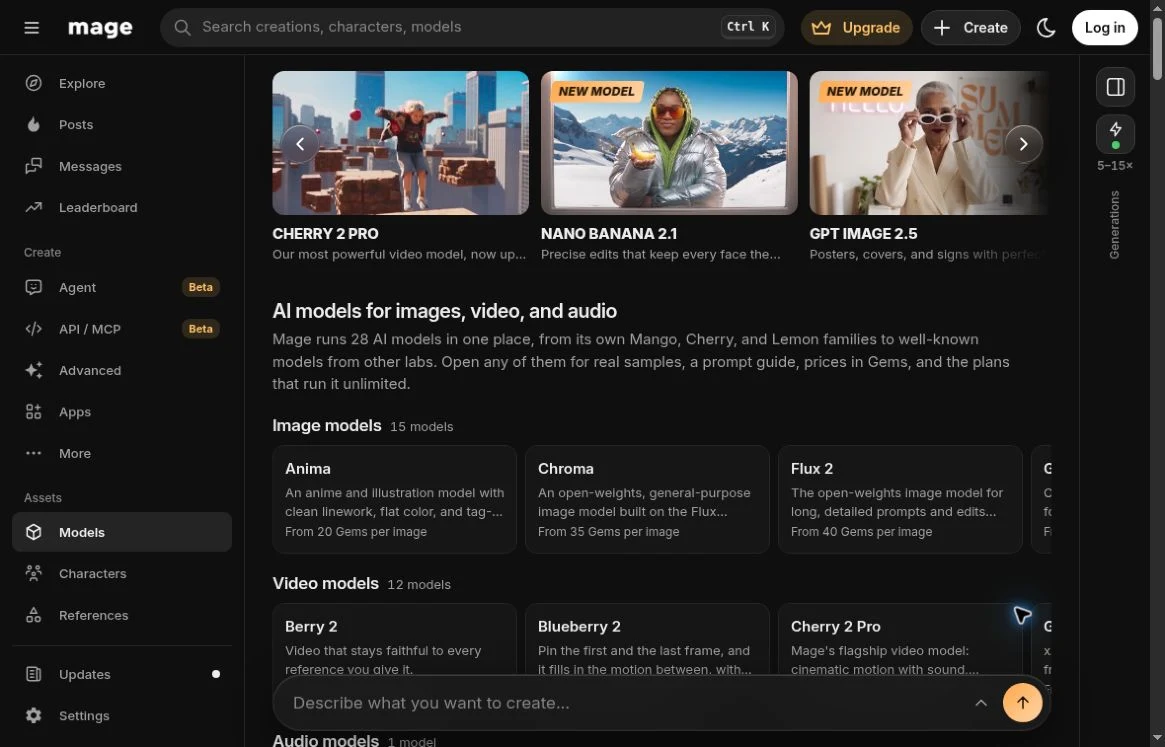
Mage combines image generation with editing tools such as masked inpainting, prompt-based refinement and enhancement. Its model browser includes anime alongside other image and video categories.
Its strongest distinction in this comparison is the editing workflow. If the first image is close to what you want, being able to revise a region or refine the result can matter more than generating another unrelated version.
Choose it for: a broader creation workflow that continues after the first generation.
Tradeoff: model and tool selection add decisions, and access varies by plan. Check the features included in your chosen plan.
Sources: Mage: creation and editing tools ↗ · Mage: model browser ↗
Which should you choose?
For a specific deliverable such as an avatar or an anime-style photo, start by looking at AI Anime Generator's dedicated workflows. For granular character prompting, consider NovelAI. For anime-focused illustration and style references, look at Niji. For LoRA experimentation, explore PixAI. For generation followed by editing, consider Mage.
There is no need to choose a permanent winner. Pick the workflow closest to your next image, inspect its examples and cost, and evaluate the result against your own brief.
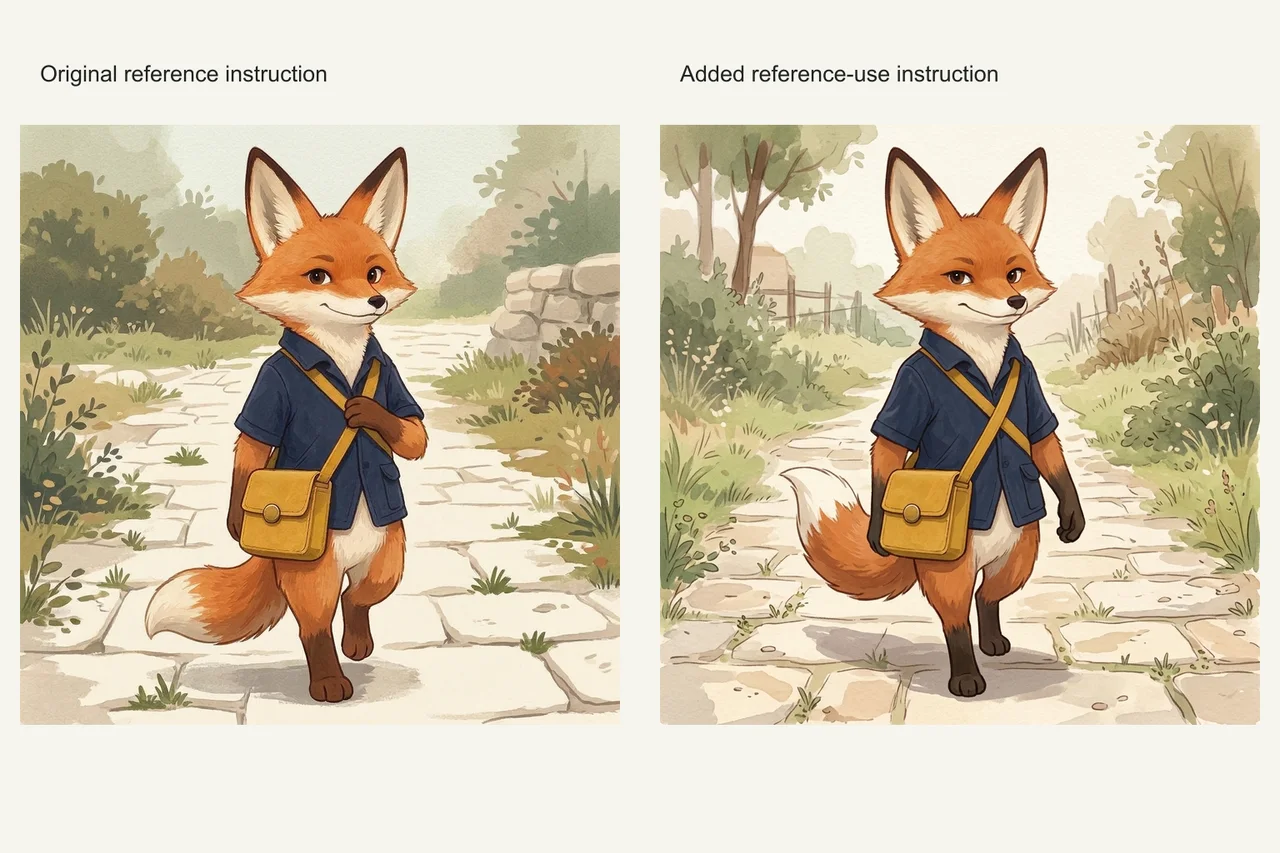
For a broader shortlist, read Which AI Image Generator Fits Your Workflow? If a repeated character is the deliverable, see our reference-prompt field test before assuming a stronger prompt will solve every shot.
Sources and comparison scope
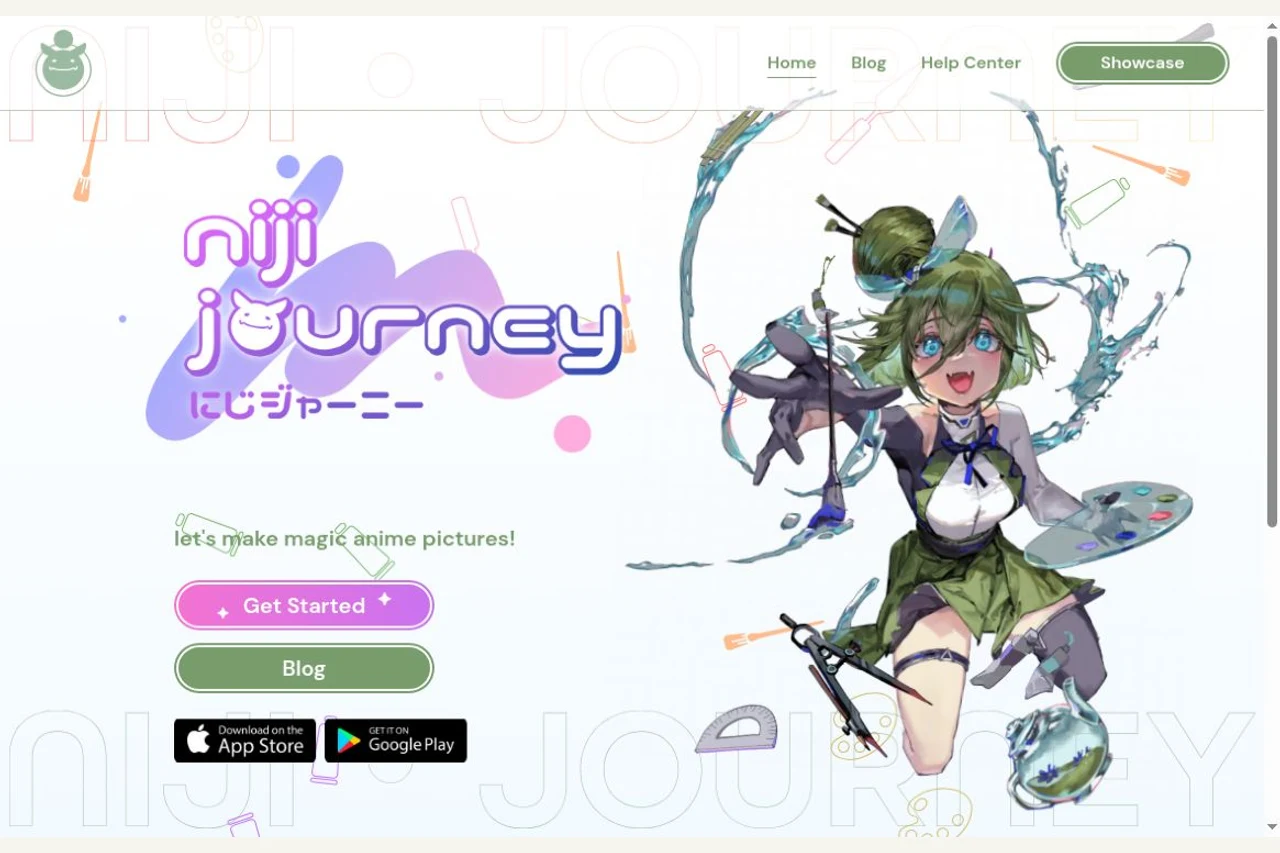
Product information checked October 23, 2026. Selection categories reflect documented features and workflow fit, not a scored image-quality ranking. Screenshots show the products' English public websites, including their own example artwork; they are not outputs generated for this comparison.
Cover: Niji Journey official homepage, October 23, 2026. Source ↗ · View screenshot ↗
Before you choose a tool
- Define the output you need before comparing plans.
- Save the inputs, settings, date, and rejected results.
- Check current provider terms and export restrictions.
- Include correction time in your comparison.
Sources
Official sources reviewed 2026-10-23.
- AI Anime Generator: creation workflows ↗
- AI Anime Generator: model comparison ↗
- AI Anime Generator: pricing ↗
- NovelAI: tags and knowledge indicators ↗
- NovelAI: multi-character prompting ↗
- Niji Journey: introducing Niji 7 ↗
- PixAI: Model Market ↗
- PixAI: LoRA basics ↗
- Mage: creation and editing tools ↗
- Mage: model browser ↗
- Niji Journey: official website ↗