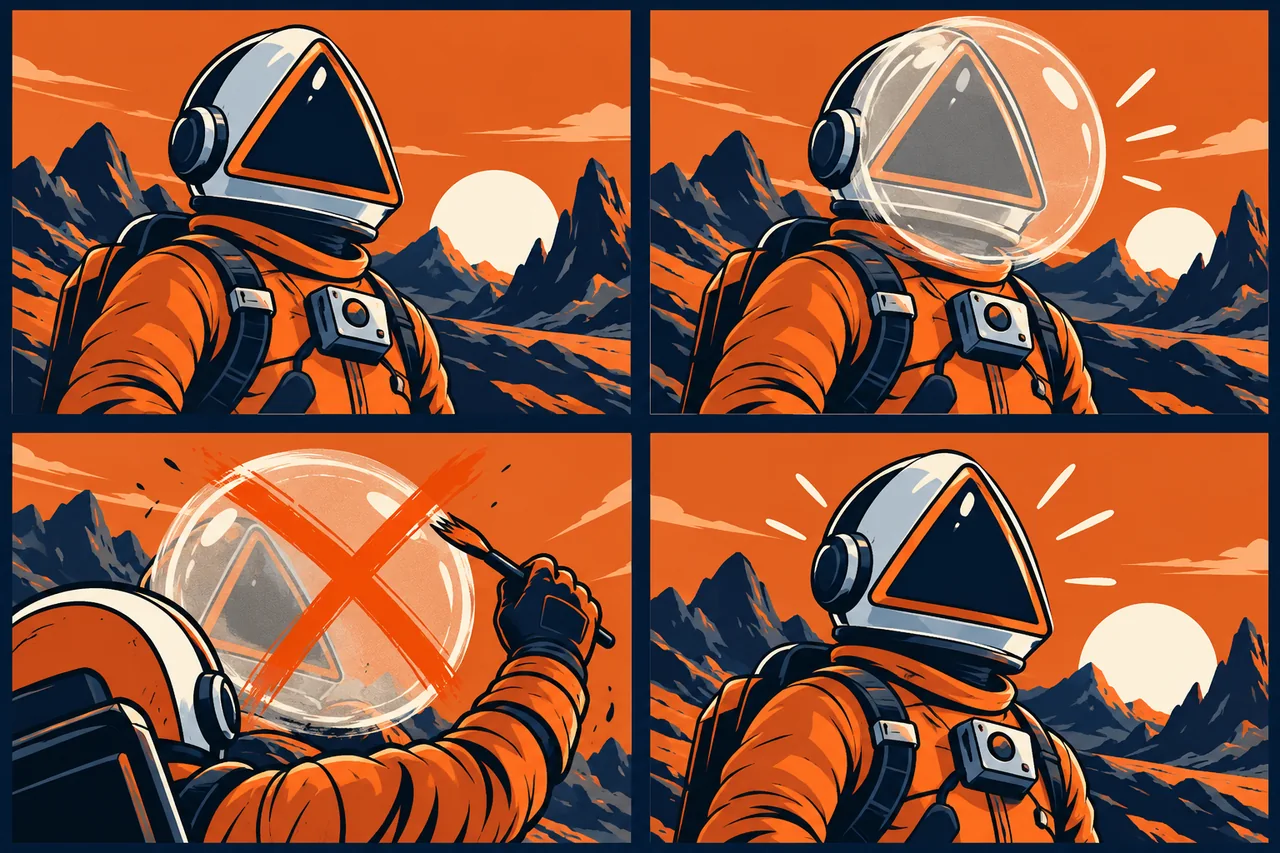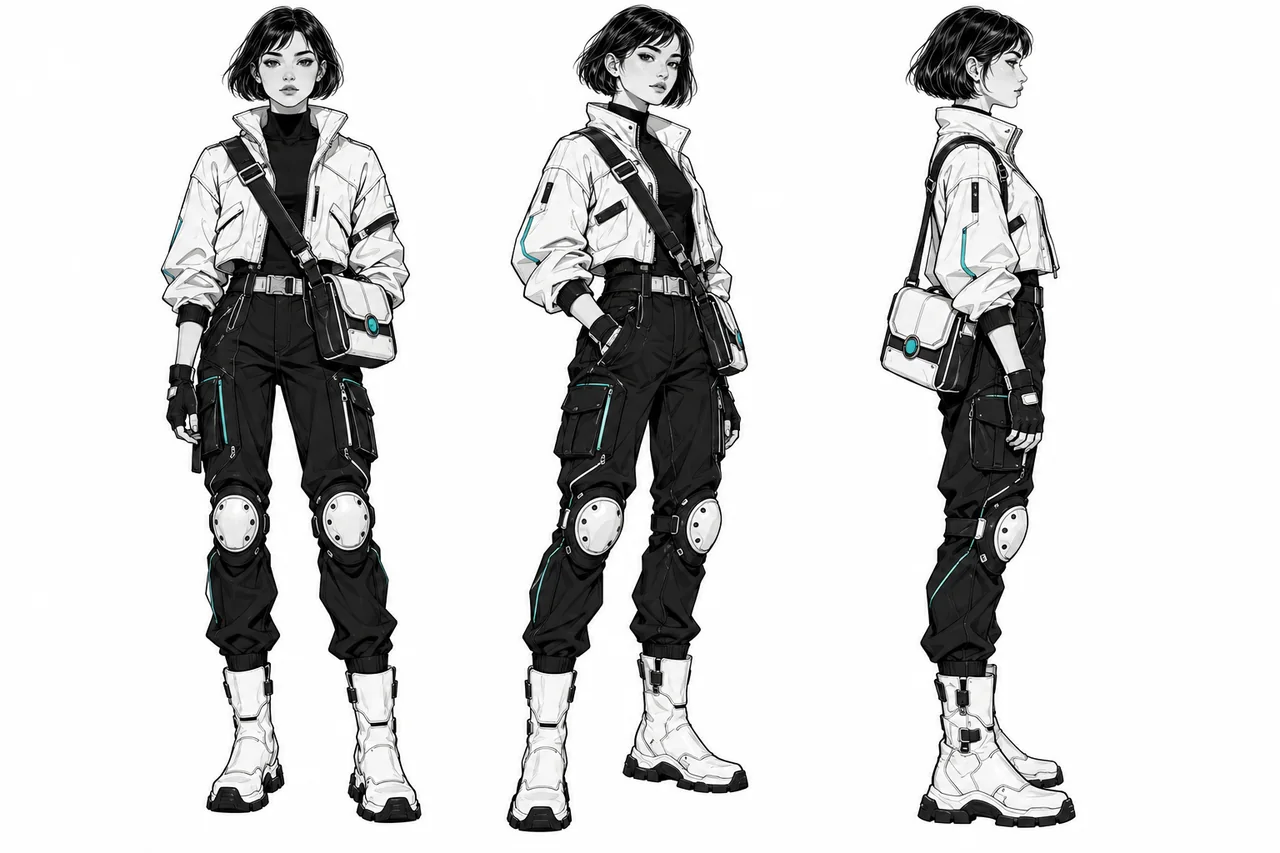
Approve one character reference, separate identity from scene direction, and reuse the same visual definition across every new image.
Give your character a reusable starting point
A recognizable character can connect a picture book, explain a product, or carry a campaign across a dozen settings. Reference-based generation makes that workflow more practical: instead of describing the character from scratch each time, provide an approved image and direct the next action.
The useful combination is a clear identity reference, a short list of defining features, and an editing workflow that lets you change the scene without redesigning the subject. Choose the tool around how you prefer to work: visual controls, several reference images, or a conversational sequence of revisions.
Midjourney: visual direction with an Edit Model
Midjourney’s Edit Model accepts up to four reference images and written instructions, making it useful for combining a character, prop, and setting. On the website, attach images in the Imagine bar and pin them for reuse. You can also request a different viewpoint or change the rendering style.
Use the feature that matches your version: the current version guide places the Edit Model in V8.1/V8.2; Omni Reference belongs to V7. Start with the Midjourney capability record when choosing your setup.
Gemini: a cast, props, and a conversational brief
Nano Banana 2.1 combines image generation with conversational editing. Google documents up to fourteen reference images, with support for character consistency across up to four characters and object fidelity for up to ten objects. That makes it a relevant option for scenes involving a small cast and recurring equipment.
Assign each reference a role rather than treating fourteen as a target: character, costume, prop, or location. These reference limits are model-specific; the Gemini image record distinguishes the variants.
FLUX: explicitly combine your references
FLUX 3 Image editing supports up to ten reference images and lets you identify them by their order or content. This is useful when the character design lives in one file, the outfit in another, and the scene in a third. Describe which element comes from each.
In its API workflow, automatic aspect ratio follows the first image. Set the intended ratio when a character portrait needs to become a wide storyboard frame. The FLUX record covers the generation and editing routes.
GPT Image: keep refining the same visual
GPT Image offers direct image editing, while the Responses API supports multi-turn image workflows. It fits a process where you establish a character and then refine expression, pose, or surroundings through successive instructions.
OpenAI’s prompting guide recommends a reusable character reference and repeated defining details. Keep the approved reference available during revisions: recurring-character consistency can still vary between generations. See the GPT Image record for supported image workflows.
Build a compact character kit
Start with a clean, readable master image. For a stylized mascot, show the entire silhouette, distinctive markings, clothing, and one signature accessory. A neutral background makes those details easier to inspect. Add a side view or close-up only when it resolves something the master does not show.
Write two short lists. The identity list contains fixed traits: muzzle shape, ear proportions, coat markings, jacket cut, and bag design. The scene list contains what can change: expression, pose, camera distance, lighting, weather, and setting. Keep the illustration style separate so you can deliberately change it without silently changing the character.
Example prompt: create the reference
Example prompt for a fictional mascot: Create a full-body reference illustration of a fox courier with a compact body, oversized triangular ears, a cream muzzle, and a terracotta coat. The courier wears a short navy jacket and carries a square mustard-yellow shoulder bag with one round brass clasp. Show a relaxed standing pose against a pale background. Use flat gouache shapes, restrained paper texture, and clear outlines. Keep the face, both ears, jacket, bag, and tail fully visible. No lettering.
Approve the design before moving on. If the bag or silhouette needs work, fix it now; this image will become the visual definition for later scenes.
Direct six scenes without rewriting the character
- Attach the approved master. Use it again for each new scene, not merely as inspiration for the first one.
- Repeat the identity sentence. Keep the same names for colors, garments, and accessories.
- Describe the new action. Give the character one readable task and establish the camera view.
- Specify what may change. Separate the action and environment from the protected design.
- Review the set together. Compare a portrait, profile, wide shot, walking pose, surprised expression, and evening scene.
This sequence covers the situations a story or campaign actually needs. Reviewing the images as a contact sheet makes a shrinking bag or changing ear shape easier to notice than opening each file alone.
Example prompt: move the courier into a scene
Example reference-edit prompt: Use the attached fox courier as the character reference. Show the same courier stepping across a shallow stream on flat stones, holding the mustard-yellow bag close. Preserve the compact proportions, triangular ears, cream muzzle, navy jacket, and round brass bag clasp. Change the pose and setting only. Use a wide, eye-level composition with the courier on the left and open space on the right. Keep the flat gouache style and restrained paper texture.
For the next scene, replace the action and setting sentences. Leave the identity description intact. When adding a second reference, state whether it supplies the environment, an object, or a style.
Repair locally and keep a usable handoff
If a scene works apart from one detail, request that correction directly: restore the round clasp, shorten the jacket, or recover the original ear proportions. For a larger identity shift, return to the approved master rather than building another scene from the altered character.
Save the master, reference order, identity sentence, model version, and approved scenes together. Name files by scene and revision so another illustrator or editor can continue the sequence. The goal is a character system that supports new storytelling, not just a collection of similar-looking pictures.
Before you choose a tool
- Define the output you need before comparing plans.
- Save the inputs, settings, date, and rejected results.
- Check current provider terms and export restrictions.
- Include correction time in your comparison.
Sources
Official sources reviewed 2026-10-21.