Match the export size and usage conditions first; judge character-art edges on your own file.
Quick answer: choose the output requirement first
For a transparent character cutout, first decide how large the finished file must be and whether it is for personal or commercial work. Then inspect the edges on your own artwork. A tool that accepts a large image does not necessarily offer a free download at that size. Use the export requirements to narrow your shortlist.
Adobe Firefly: a straightforward PNG starting point
Adobe’s background-remover page documents JPEG, PNG and WebP uploads up to 50 MB, one image at a time, with transparent PNG download. Its instructions include Adobe ID sign-in. Although the URL contains “express,” the page currently identifies the tool as Firefly. Consider it if that input/output workflow fits your file. We could not establish a precise free export-resolution ceiling or monthly quota from this page; do not read the word “free” as proof of either. [1]
remove.bg: check the preview ceiling and usage terms
remove.bg supports JPG, PNG and WebP uploads up to 22 MB and advertises transparent PNG output. Its help center says free website previews are limited to 0.25 megapixels and personal use; higher-resolution and commercial use are directed to premium options. A high-resolution image uses one credit. That makes the preview useful for checking whether the cutout is promising, but not automatically suitable as a commercial deliverable or a large artwork master. We did not verify a current currency price. [2–5]
Photoroom: distinguish the platform from the plan
Photoroom’s public remover accepts JPEG or PNG and offers PNG, JPEG or WebP downloads. Its help center lists Free allowances of 100 monthly exports / 25 weekly exports, with resets tied to subscription cadence; these are shared export limits rather than a background-remover-only allowance. The resolution guide lists different free ceilings: 2000 pixels on the longest side in its web section, 2400 × 2400 on iOS and 4032 × 4032 on Android. Confirm the platform and allowance shown in your own interface before planning a batch. We have not verified every guest-download or watermark condition. [6–8]
The details that matter in character art
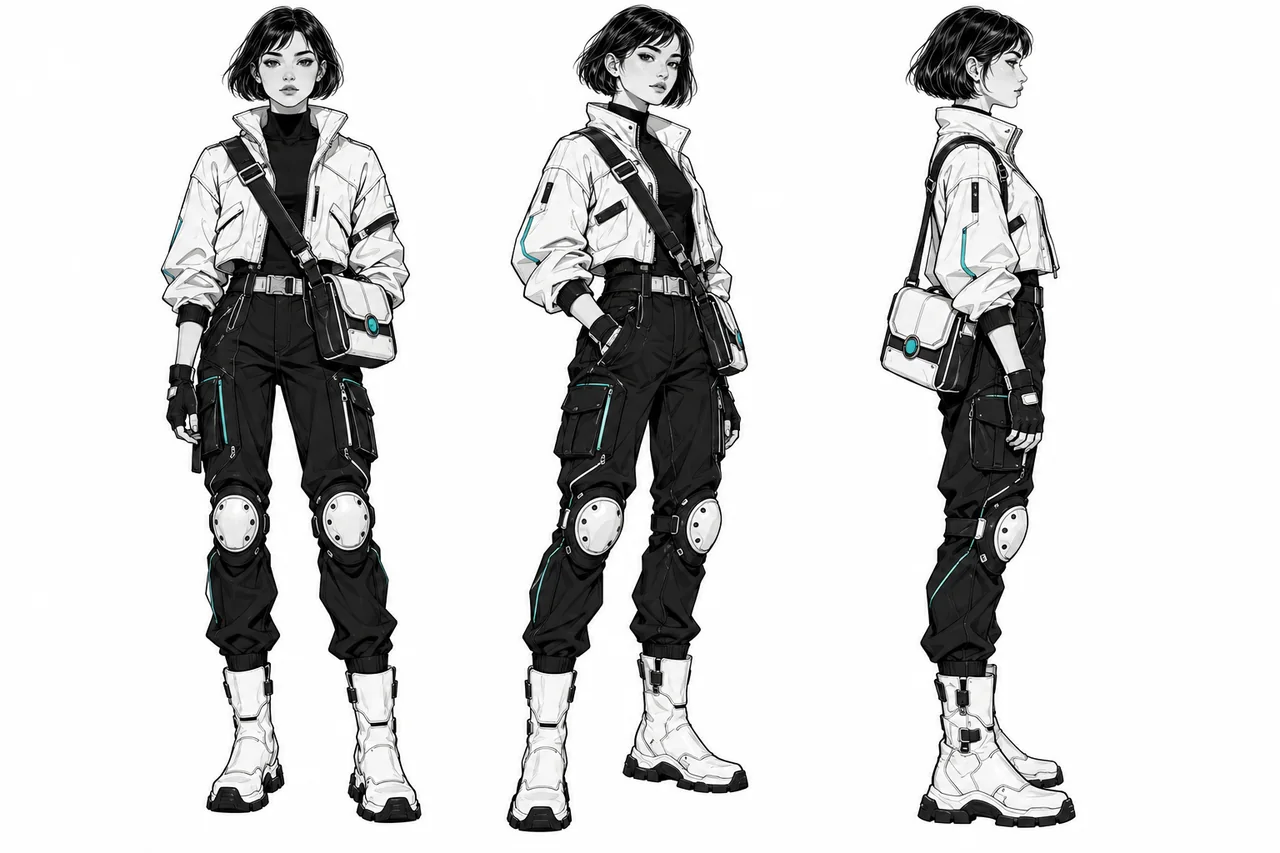
Drawn characters can contain shapes that a remover must interpret rather than simply outline. A white hair strand against a pale sky may look like background. A thin antenna, ribbon or outline may be separated from the main silhouette. A translucent veil may need partial transparency, not a hard cut. Inspect these details in the final composition.
A five-minute comparison you can run yourself
Use the same original file for every candidate and keep the original untouched. Select artwork you own or have permission to upload. Start with a difficult but representative example: pale hair, fine lines, a gap between an arm and the torso, and one small accessory. Download an actual transparent result rather than judging only the on-page preview. Open each output in the same editor, at the same scale, over white, dark gray and a saturated color. Record output dimensions and anything you must repair. Stop if a required resolution or usage condition is unavailable; there is no reason to perfect a preview you cannot deliver.
The edge checklist
Inspect hair tips for missing strands; white clothing for erased patches; gaps between limbs for leftover background; thin outlines for breaks; and transparent accessories for an unnatural solid edge. Look for a light or dark fringe when the background changes. Check the whole silhouette as well as a close crop, then review at the final display size. For a small avatar, a tiny defect at extreme zoom may not matter. For a sticker or large banner, the same defect may be visible. Choose the result requiring the least repair for your actual use, not the sharpest-looking thumbnail.
Keep transparency through the handoff
Export PNG when the next app needs transparent pixels. A .png extension alone does not prove that the background is transparent: place the downloaded file over another color to check. JPEG cannot preserve an alpha channel. If a checkerboard pattern remains visible on top of a new background, it may be baked into the image rather than indicating transparency. Keep the original-resolution source and a separate cutout master; making the canvas larger later will not restore lost detail.
What to verify before paying
Confirm the export dimensions, commercial-use conditions, current local price, recurring billing cadence and cancellation terms on the official service. Also check upload/privacy rules before using unpublished client artwork. We have not reviewed the full legal terms of these services, and a tool’s commercial plan does not grant rights to artwork you do not own. If you are comparing paid options, count usable final files, not merely uploads or previews.
Our conclusion
Start with the tool whose documented export workflow matches your intended use, then compare one representative file before committing. Adobe is a candidate for a PNG-first workflow, remove.bg makes its preview-versus-high-resolution distinction explicit, and Photoroom requires particular attention to platform-specific export limits. Compare fine hair and outlines on a representative file before choosing.
Before you choose a tool
- Define the output you need before comparing plans.
- Save the inputs, settings, date, and rejected results.
- Check current provider terms and export restrictions.
- Include correction time in your comparison.
Sources
Official sources reviewed 2026-10-21.